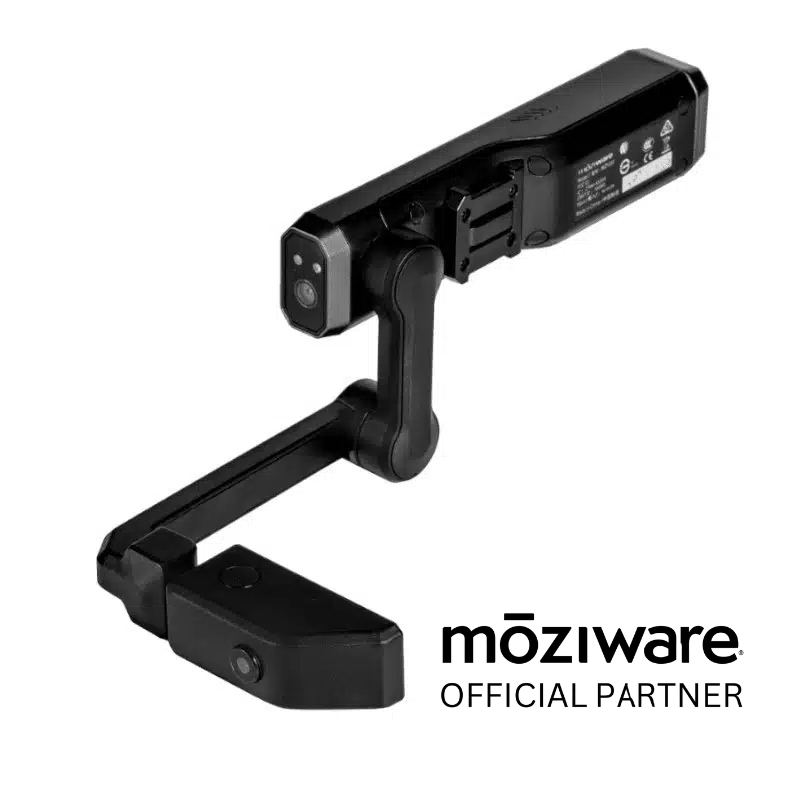
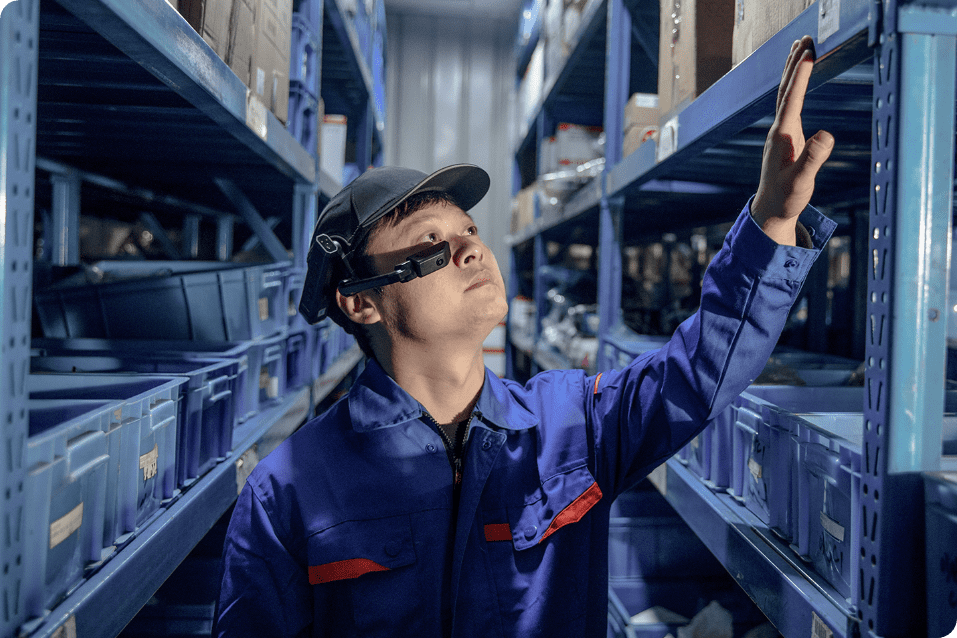
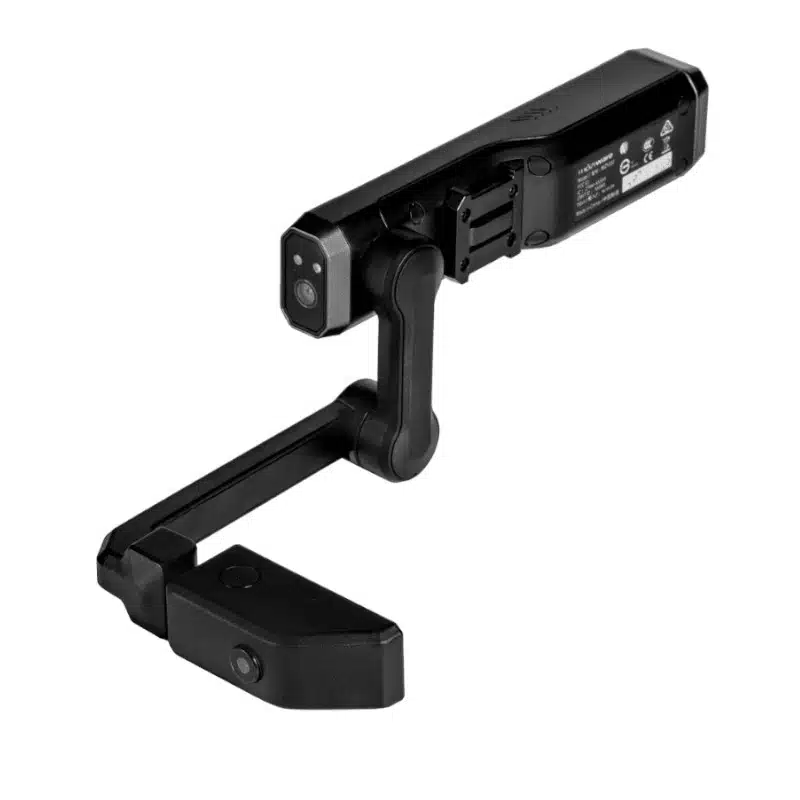
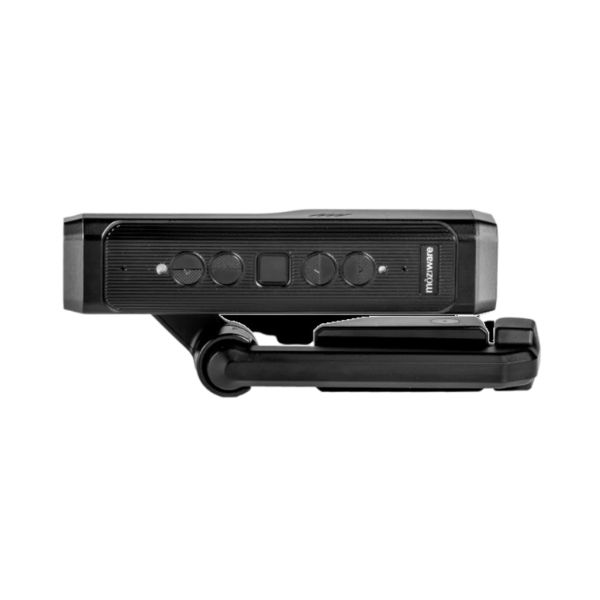
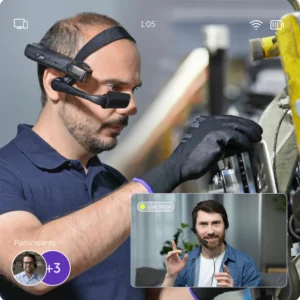
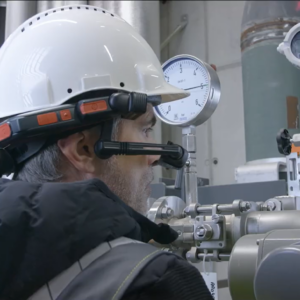
Engineered for extreme precision and frontline safety, the mōzıware cımō features an integrated Class 2 laser pointer that redefines remote collaboration. By blending a high-intensity sighting tool with a pocket-sized, voice-driven wearable computer, the cımō allows industrial professionals to pinpoint failure locations and guide remote experts with surgical accuracy. Featuring a “see-what-I-see” 16MP camera and a rugged, IP66-rated chassis, the cımō ensures that whether you are in a high-noise factory or a sunlit field, your team can identify, frame, and resolve issues without ever using their hands.
Precision Guidance & Visual Accuracy
- World-First Integration: The cımō is the first wearable computer to feature a built-in Class 2 laser pointer, enabling users to instantly highlight physical components for remote collaborators.
- Laser-Guided Imaging: Enhance your data capture by using the laser to perfectly frame barcode scans and high-resolution photos, eliminating the need for repetitive retakes.
- Safety-First Design: The Class 2 laser is engineered to be visible even in bright outdoor conditions while remaining eye-safe for high-traffic, fast-paced work environments.
- Augmented Feedback: By pointing the laser at specific mechanical parts, frontline workers eliminate “I Spy” guesswork, allowing experts to provide instant, actionable instructions.
Industrial-Grade Utility
- Voice-Activated Interaction: Fully hands-free operation via intuitive voice commands ensures workers can keep their hands on their tools while the laser highlights the task at hand.
- Ultra-Rugged Build: With an IP66 rating for dust and water resistance and a 1.5-meter drop test certification, the laser and optics are protected against the harshest industrial abuse.
- Advanced Dual-Camera System: A 16MP main camera with 4-axis optical stabilization works in tandem with an 8MP secondary camera to provide a crystal-clear digital twin of the workspace.
- Pocket-Sized Portability: Weighing only 155 grams, the cımō is the lightest wearable of its kind, designed to be folded and stored in a pocket when the mission is complete.