About This Item
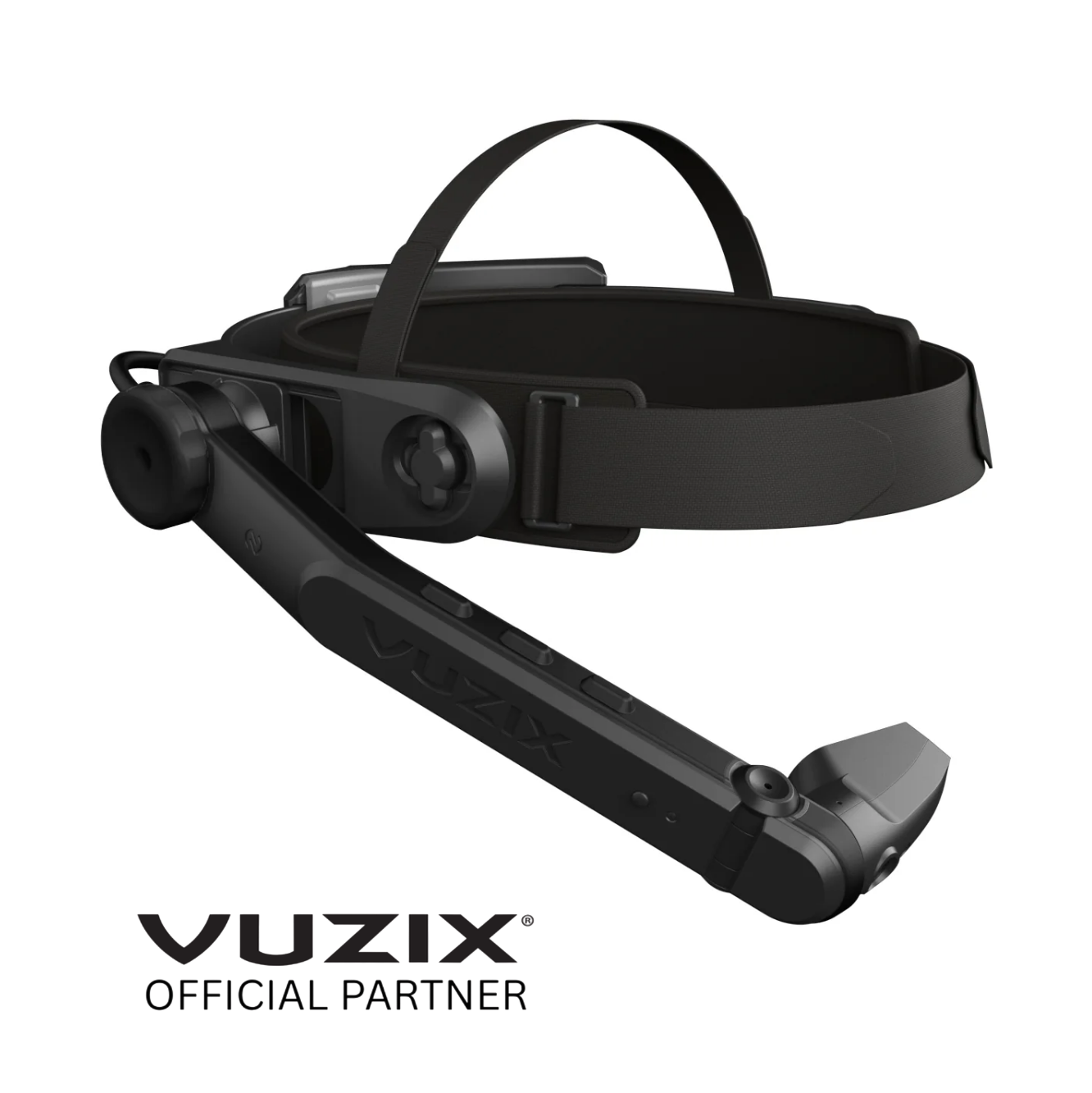
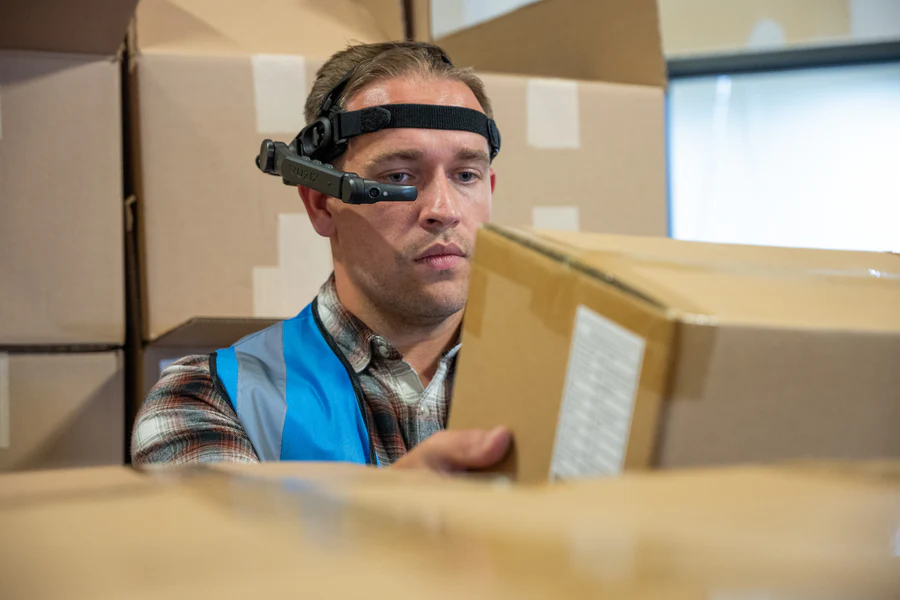
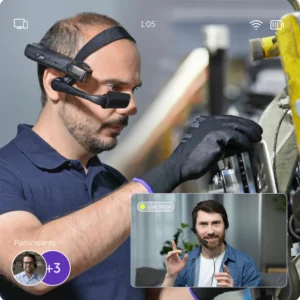
Engineered for logistics and onsite maintenance, the Vuzix LX1 smart glasses blend industrial-grade toughness with seamless, hands-free utility to boost your workforce’s efficiency. Boasting a crisp heads-up interface, voice-driven navigation, and a Qualcomm® chipset for sustained performance, the LX1 allows personnel to access inventory lists, broadcast live video, and oversee tasks while remaining mobile. Rated for use down to -20°C and powered by a high-output battery, the LX1 is crafted for the most demanding environments.
Featuring a vibrant, high-resolution display and an autofocus camera, it allows operators to access digital workflows, scan barcodes effortlessly, and stream real-time video to remote experts. Its flexible, modular design ensures all-day comfort and seamless integration with existing corporate personal protective equipment (PPE).
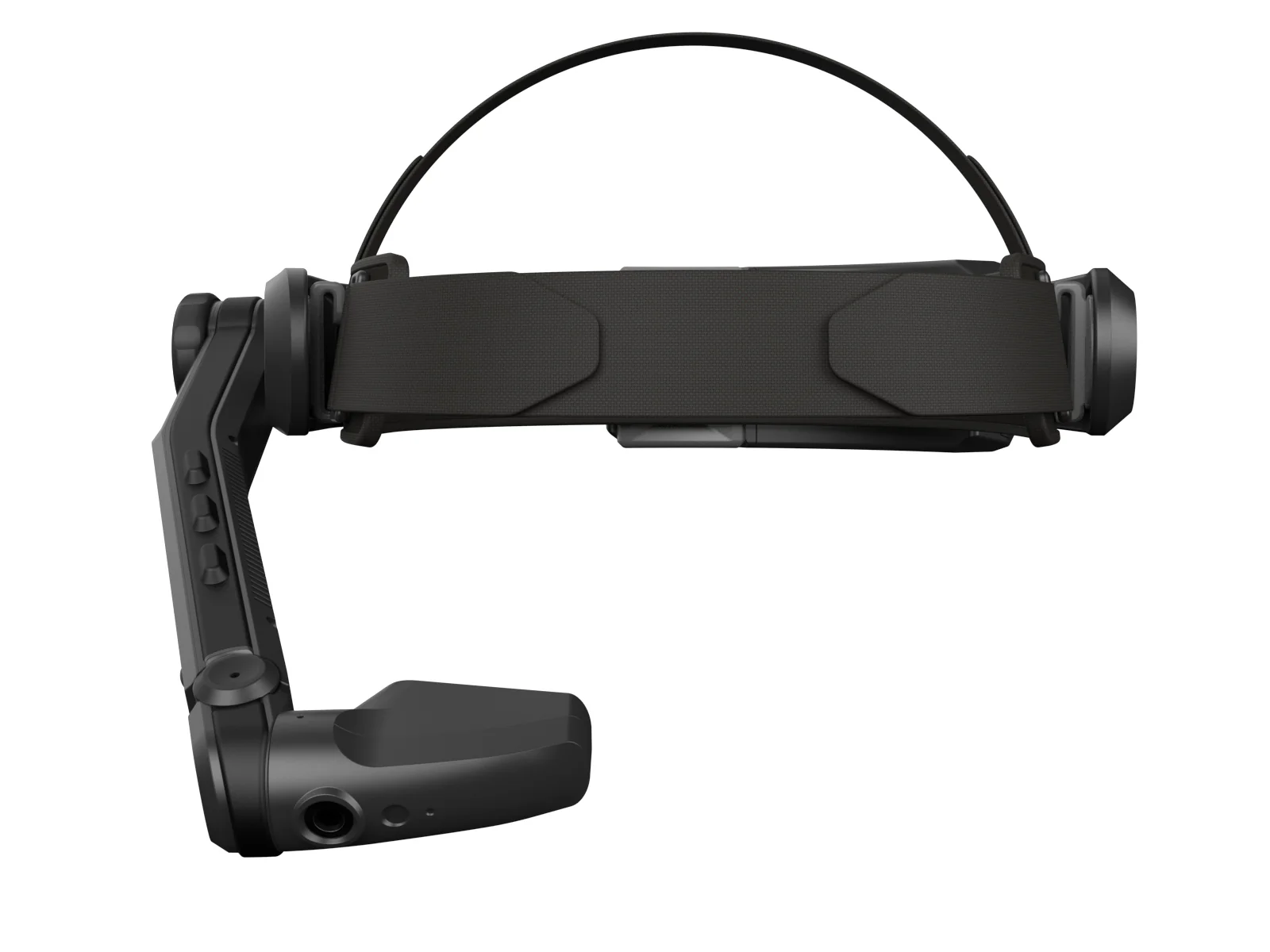
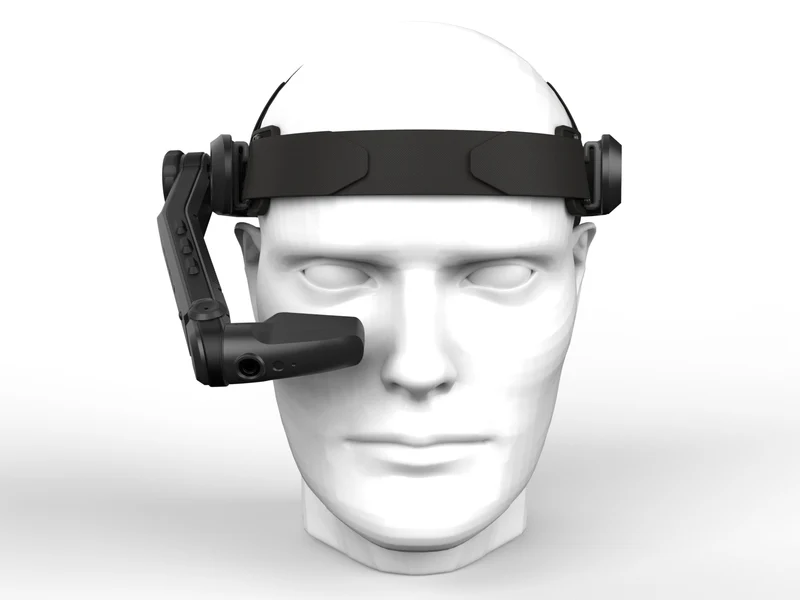
- Prescription-Ready & Flexible Design: Designed to accommodate every worker. The LX1 mounts seamlessly onto custom prescription frames, safety glasses, or industrial hard hats, and the display can be easily switched to accommodate either left or right-eye dominant users.
-
See Every Detail Instantly: The crisp, high-brightness monocular display acts as a transparent heads-up monitor, overlaying digital checklists, manuals, or picking instructions directly onto the worker’s line of sight without obstructing their situational awareness.
-
Optimized Hands-Free Productivity: Streamline operations and enhance workplace safety. By utilizing advanced voice commands and an intuitive touchpad, workers can manage complex tasks, sign off on inspections, and look up data while keeping their hands 100% free to use tools.
Key Features
- Intuitive Touch & Voice Interface: Multi-modal control system that responds instantly to voice prompts and swipe gestures, ensuring reliable navigation even in noisy factory floors or bustling logistics centers.
-
Robust Enterprise Connectivity: Equipped with enterprise-grade Wi-Fi and power-efficient Bluetooth to ensure continuous, lag-free data synchronization with warehouse management systems (WMS) and remote assistance platforms.
-
Versatile Modular Architecture: Easily swap accessories, frames, and mounting options to quickly adapt the hardware to different industrial roles, corporate security protocols, or specific safety PPE guidelines.
- All-Day Ergonomic Comfort: Say goodbye to heavy, bulky headsets. The Vuzix LX1 features an exceptionally sleek, feather-light design that distributes weight evenly across the frame, allowing field technicians and warehouse pickers to wear it comfortably for an entire shift.
Why choose the Vuzix LX1 for your operation?
-
Hybrid Picking Efficiency: Combine the speed of voice-picking with the accuracy of visual scan confirmations and digital “pick lists.”
-
Future-Proof Software: Launching with Android 15, the LX1 offers long-term SoC (System on Chip) availability and yearly OS updates through 2030.
-
Superior Display Quality: The OLED HD display offers over 2000 nits of brightness and a 10,000:1 contrast ratio, ensuring data is legible even in high-glare environments.
-
Rapid Deployment: Featuring NFC tap-to-pair technology, the LX1 can be quickly assigned to different workers across shared fleets, simplifying deployment in large-scale operations.